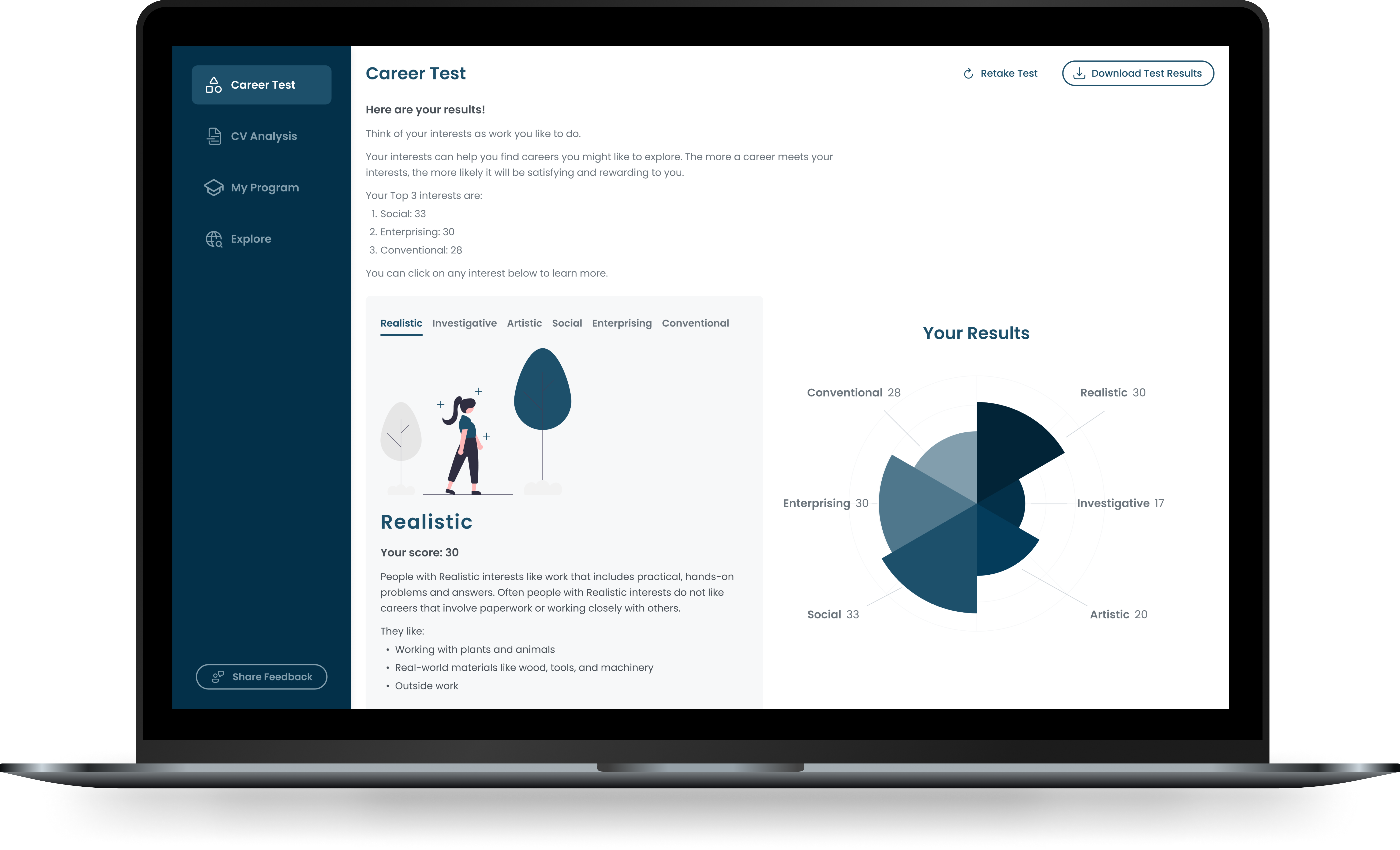
Kybershield
Everyday password manager with cutting-edge security.

Overview
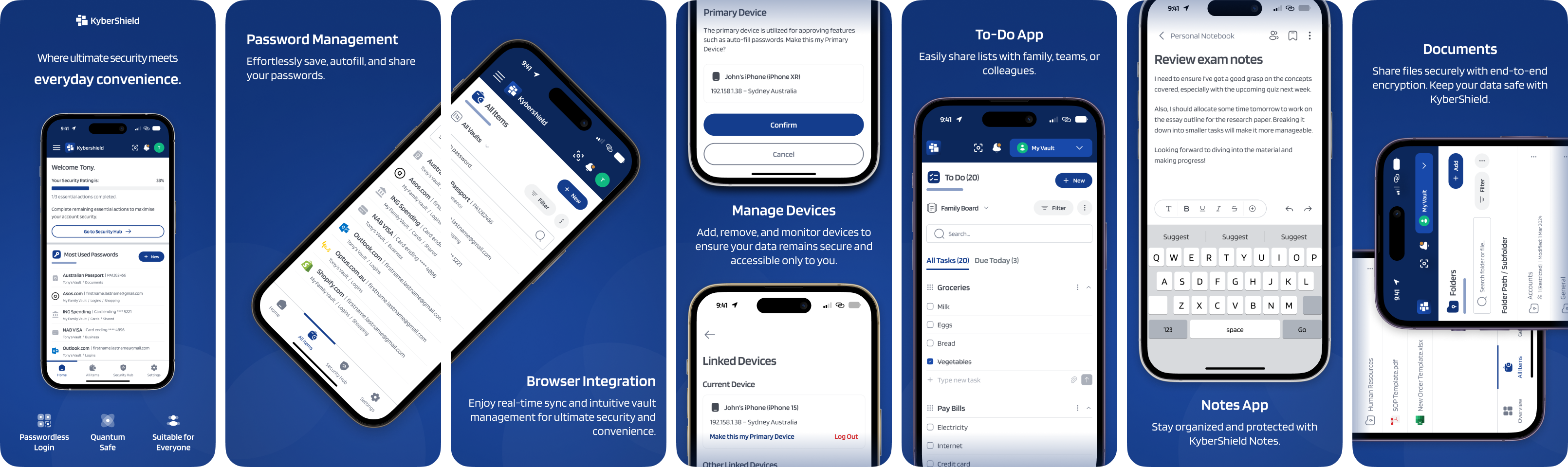
In today’s digital world, security is paramount. Recognising the growing need for robust password protection solutions that offer more than just basic security, we envisioned Kybershield as a comprehensive platform integrating cutting-edge encryption with user-friendly features. Our goal was to create a solution that balances high-level security with accessibility for everyone—from individuals and families to small businesses and large corporations.
My Role:
As the sole UX/UI Designer, I was responsible for the entire design process which includes: user research, wireframing, prototyping, visual design and branding.

The problem
Let’s say that you’re someone who manages multiple online accounts for yourself, your family, or your business... how can you ensure that all your passwords are both secure and easily accessible? You could try to remember them all, write them down, or use the same password for everything, but that’s a pretty risky and cumbersome approach. The inability to efficiently and securely manage passwords was a common problem amongst users. This problem provided a significant opportunity for us to help users protect their digital assets while ensuring ease of access and enhancing overall security.
.svg)
Discovery research
I looked into common issues on existing password management solutions by reading various studies and found that many non-users noted security concerns as the main reason for not using a password manager, highlighting the prevalence of suspicion arising from lack of understanding of the technology itself.
I believe it’s also essential to examine competitors to understand their strengths and weaknesses. I explored the most popular password management products to gather initial ideas. User feedback from app stores revealed that while some solutions focused on security, they had complex interfaces, whereas others were simpler but lacked strong protection.
To address these challenges, I decided that Kybershield should focus on offering a more robust, secure but easy way to manage passwords. This includes enhancing security for auto-filling passwords to prevent unauthorised access, introducing passwordless login for easier and safer access, and simplifying the user experience through clear, intuitive design and user education.
Ideation
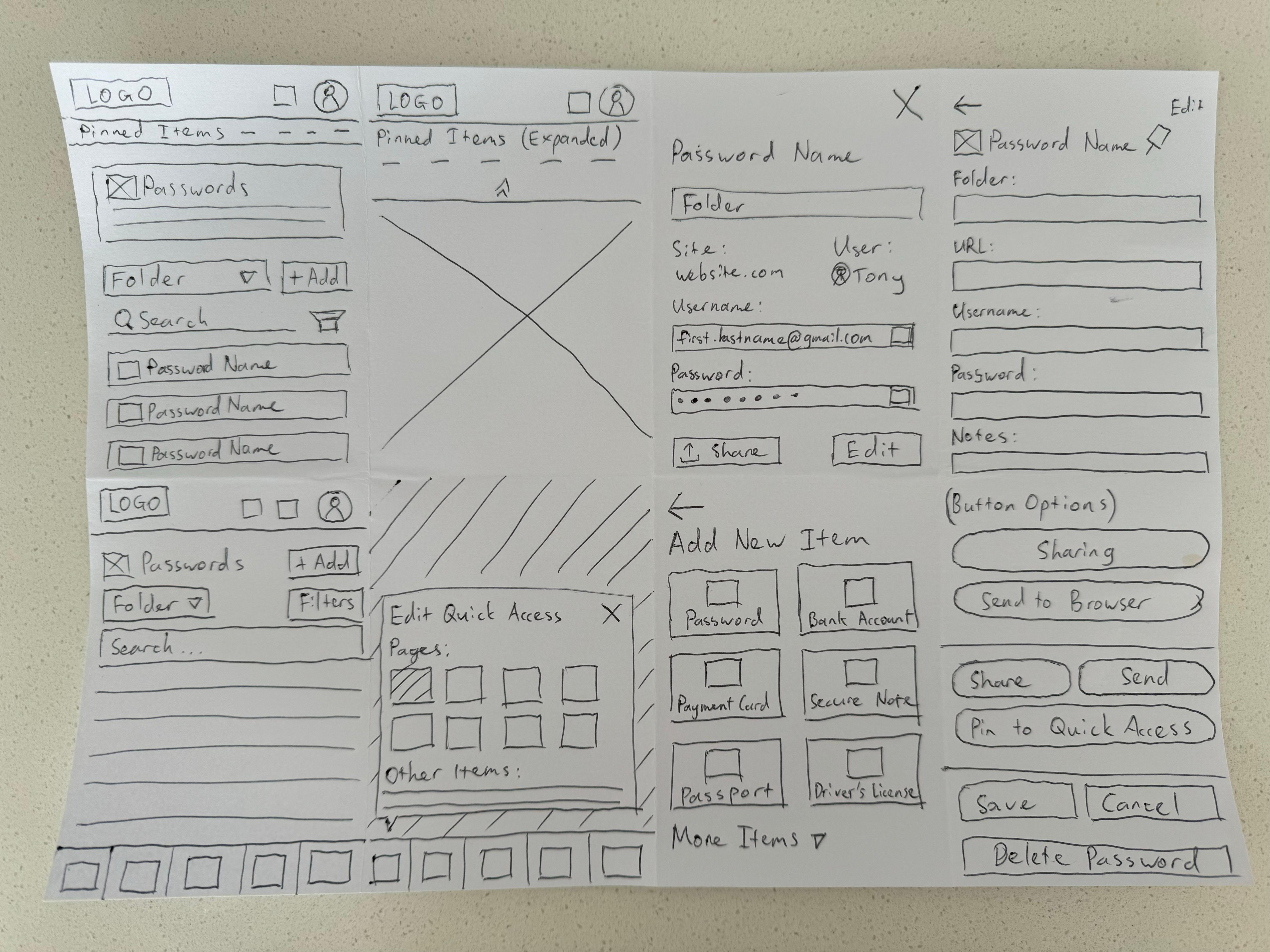
To brainstorm solutions, I used pen and paper with my favourite technique, Crazy 8s (a rapid sketching method where you generate eight different ideas in eight minutes). This approach allowed me to quickly explore a range of ideas for each feature before moving to the digital phase.
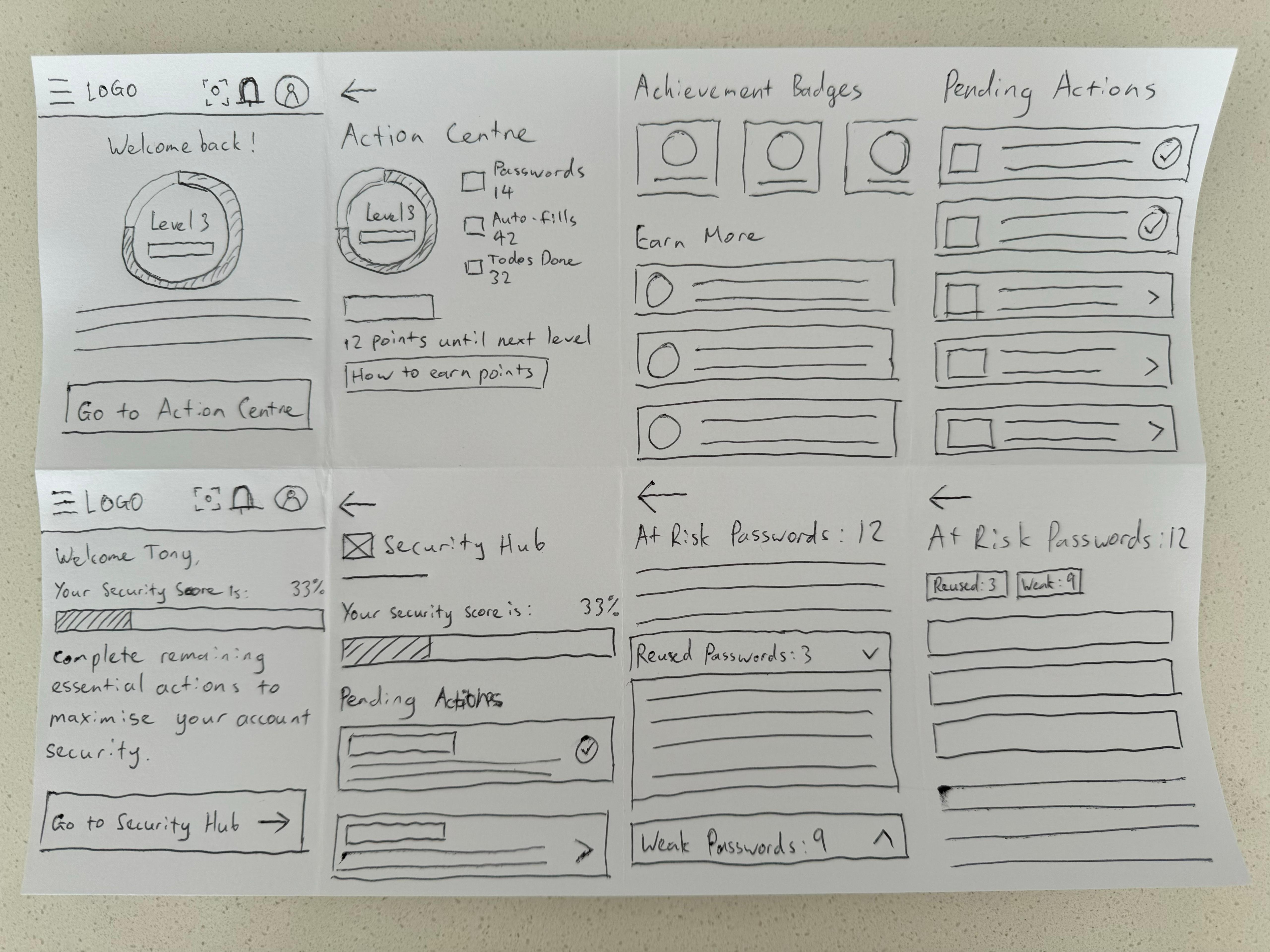
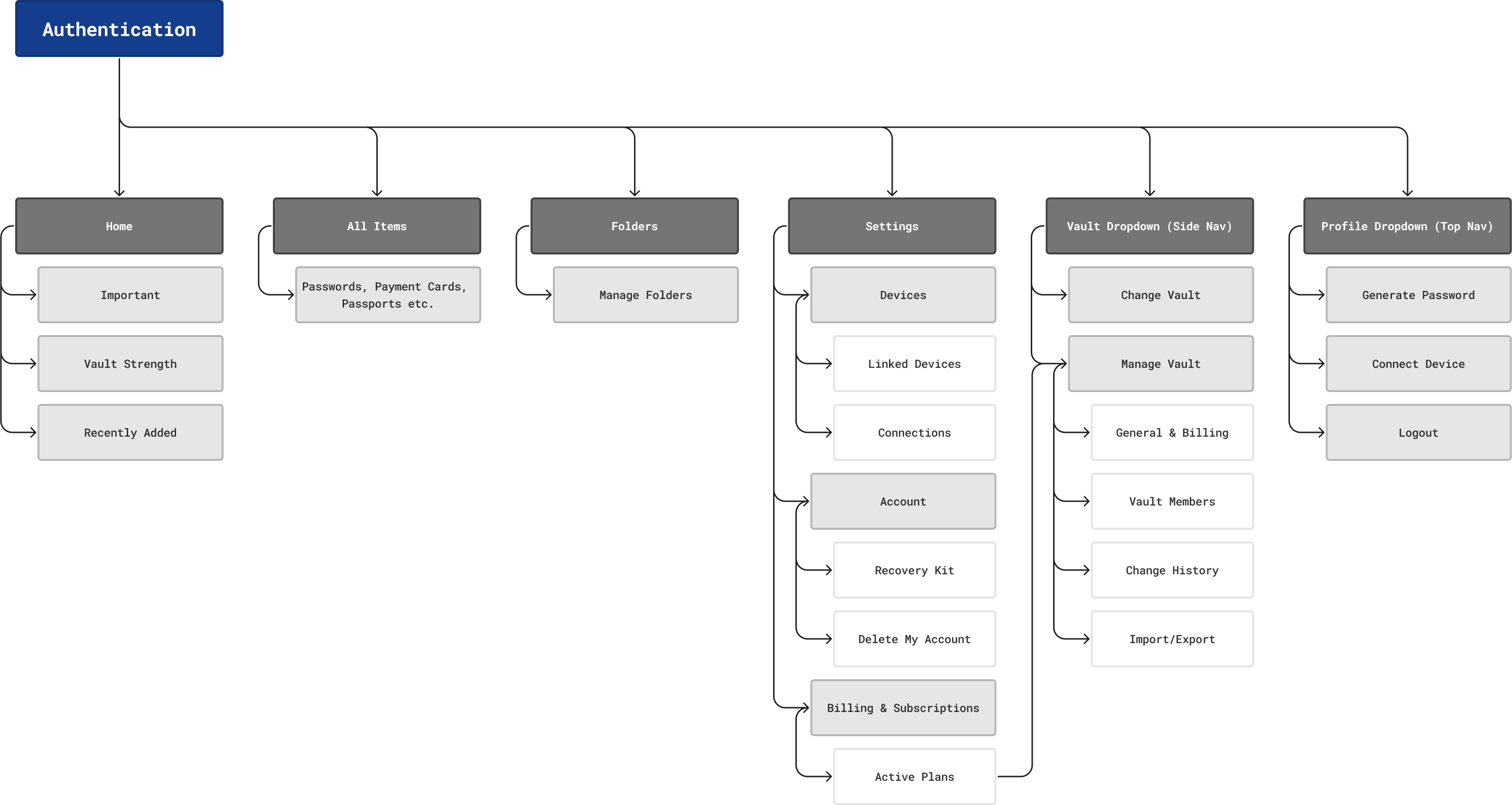
Once I had solid concepts, I created interactive low-fidelity prototypes in Figma. We tested these prototypes internally with our team to identify and address any usability issues. This iterative process involved refining each design element through multiple rounds of feedback and structuring the information architecture, ensuring that every element in the app had a clear purpose, flowed smoothly, and contributed to an optimal user experience.

Design System
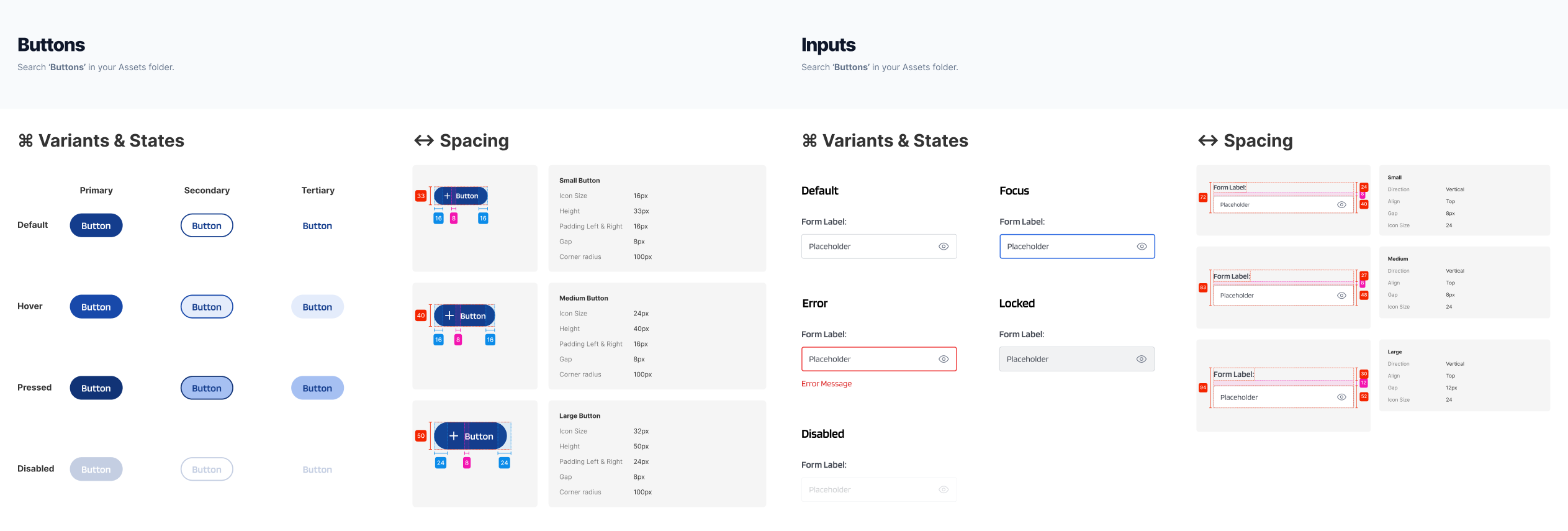
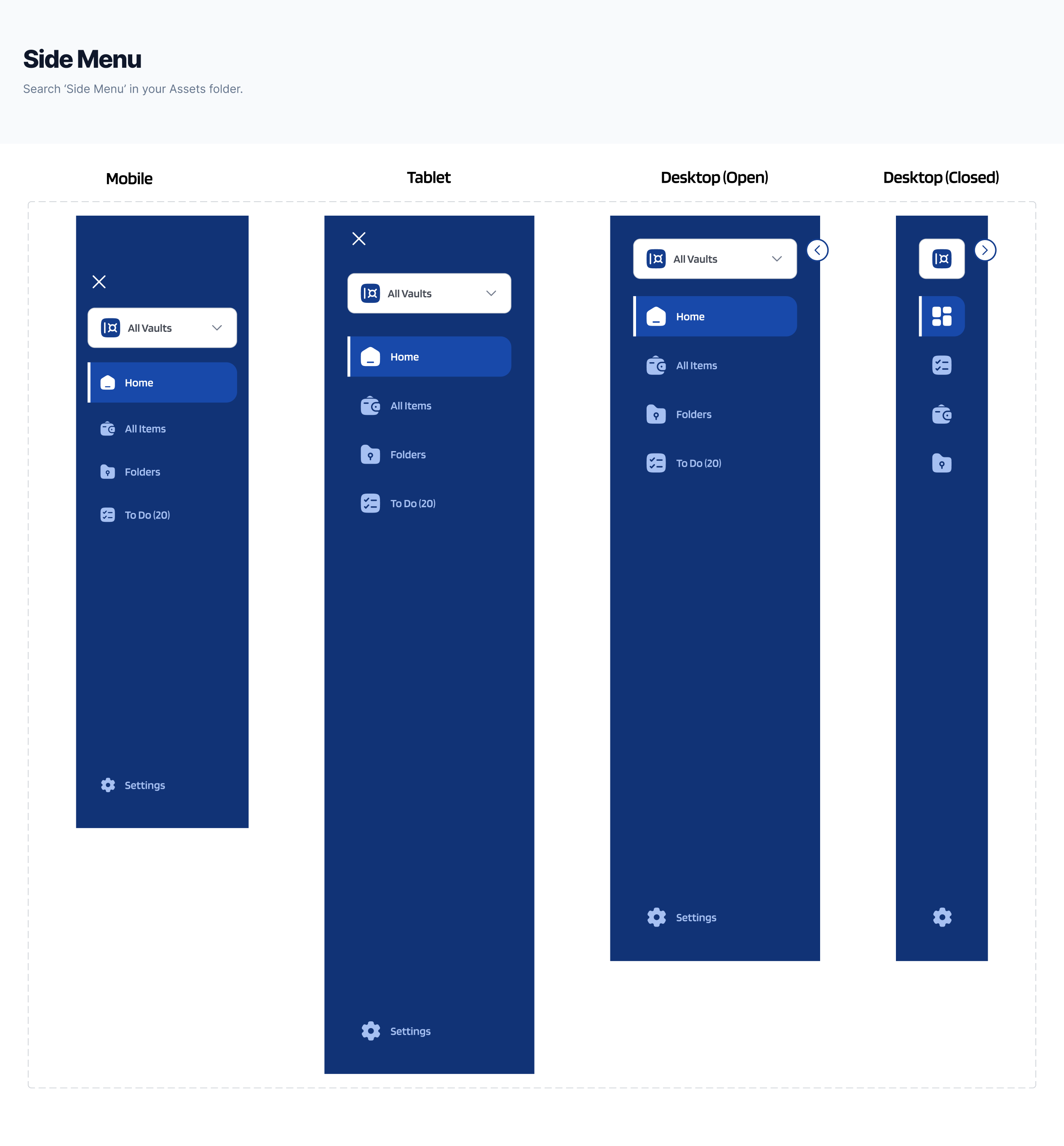
The design system was crucial for ensuring consistency throughout the project. It defined clear design principles, guidelines, and reusable components, providing a cohesive look and feel across all pages and elements, with a mobile-first approach in mind.


High Fidelity
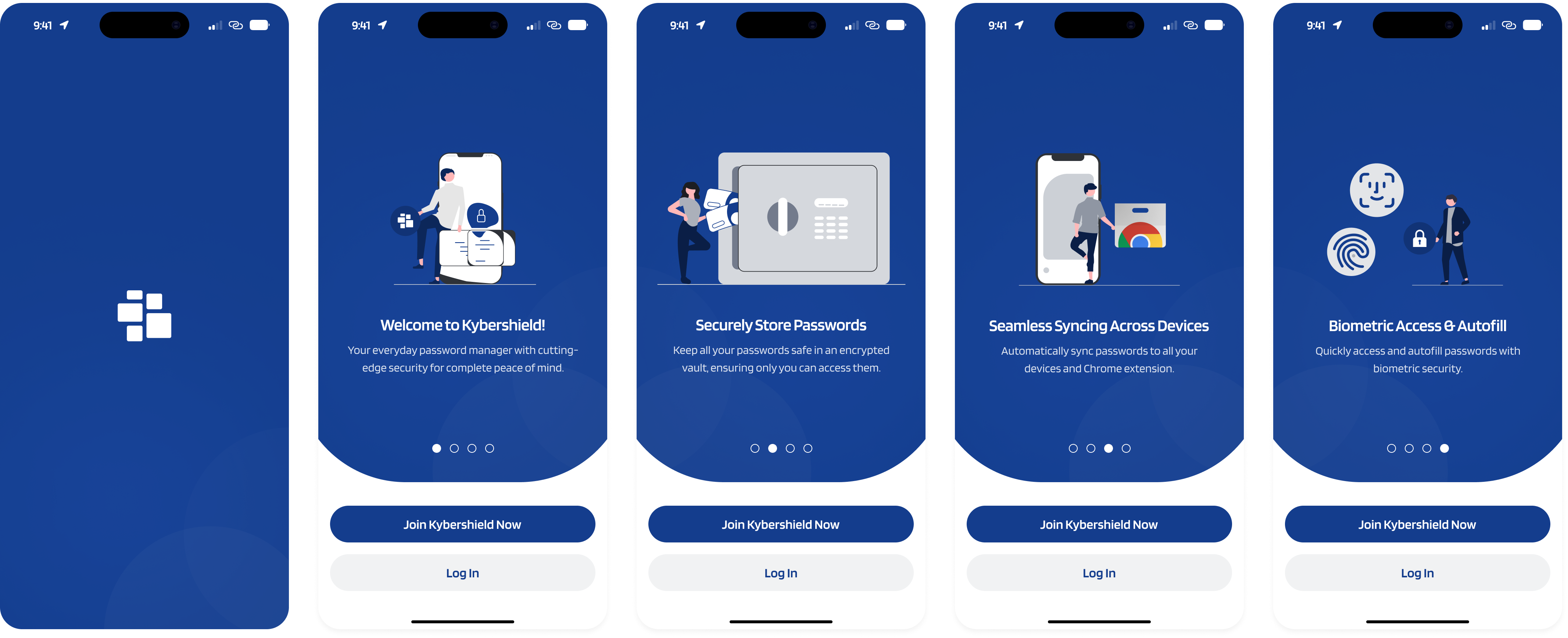
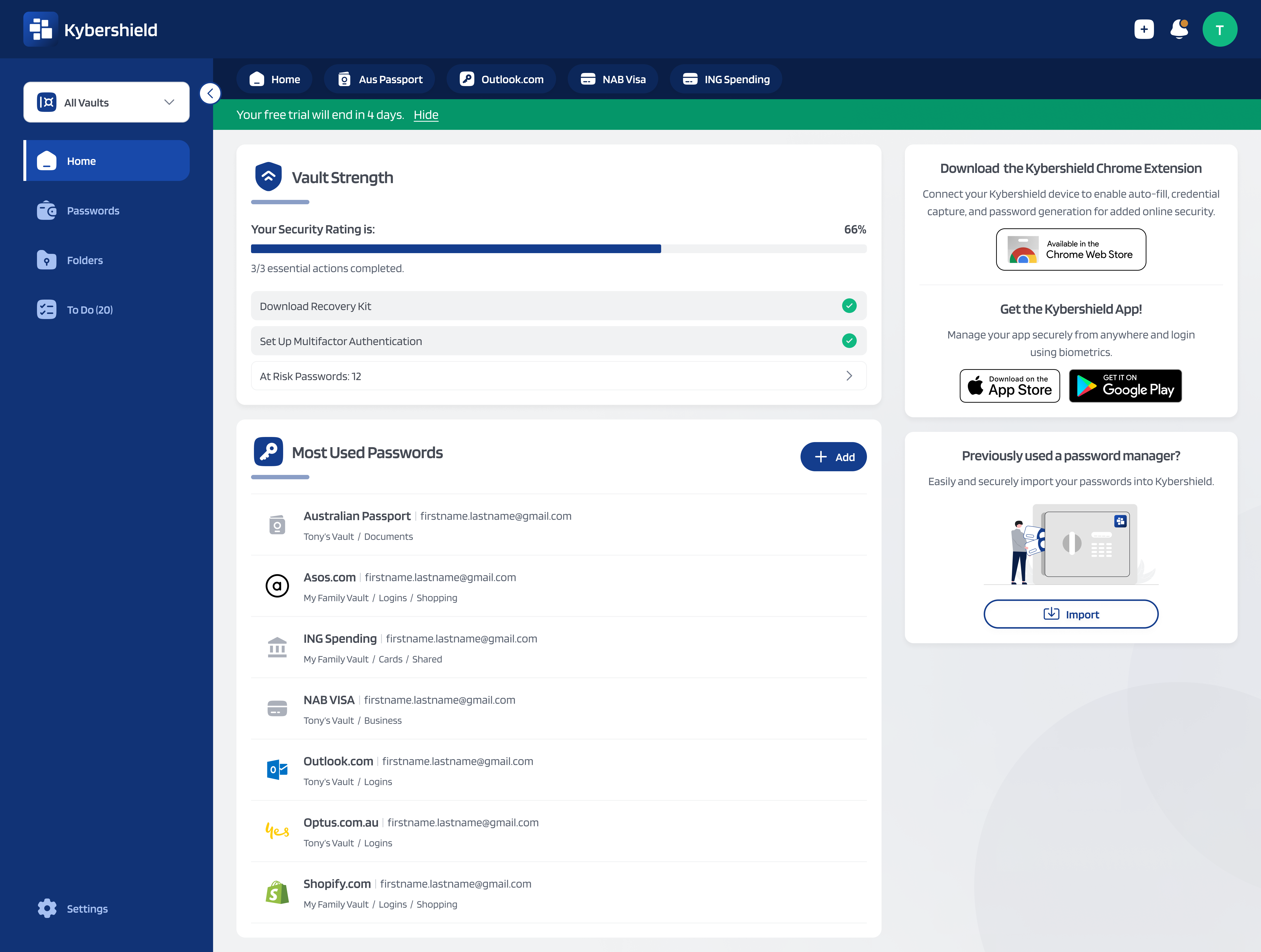
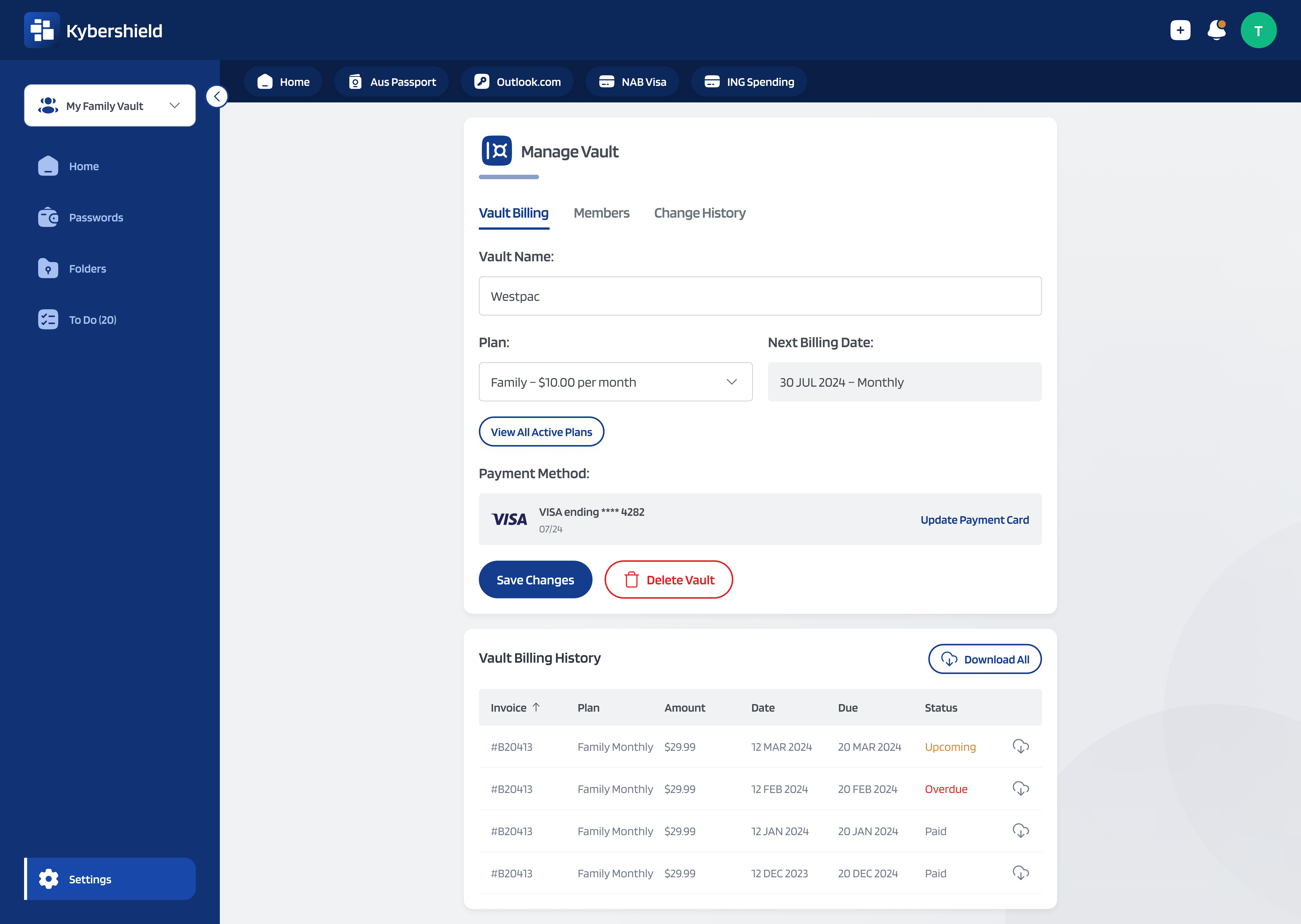
Putting it all together...

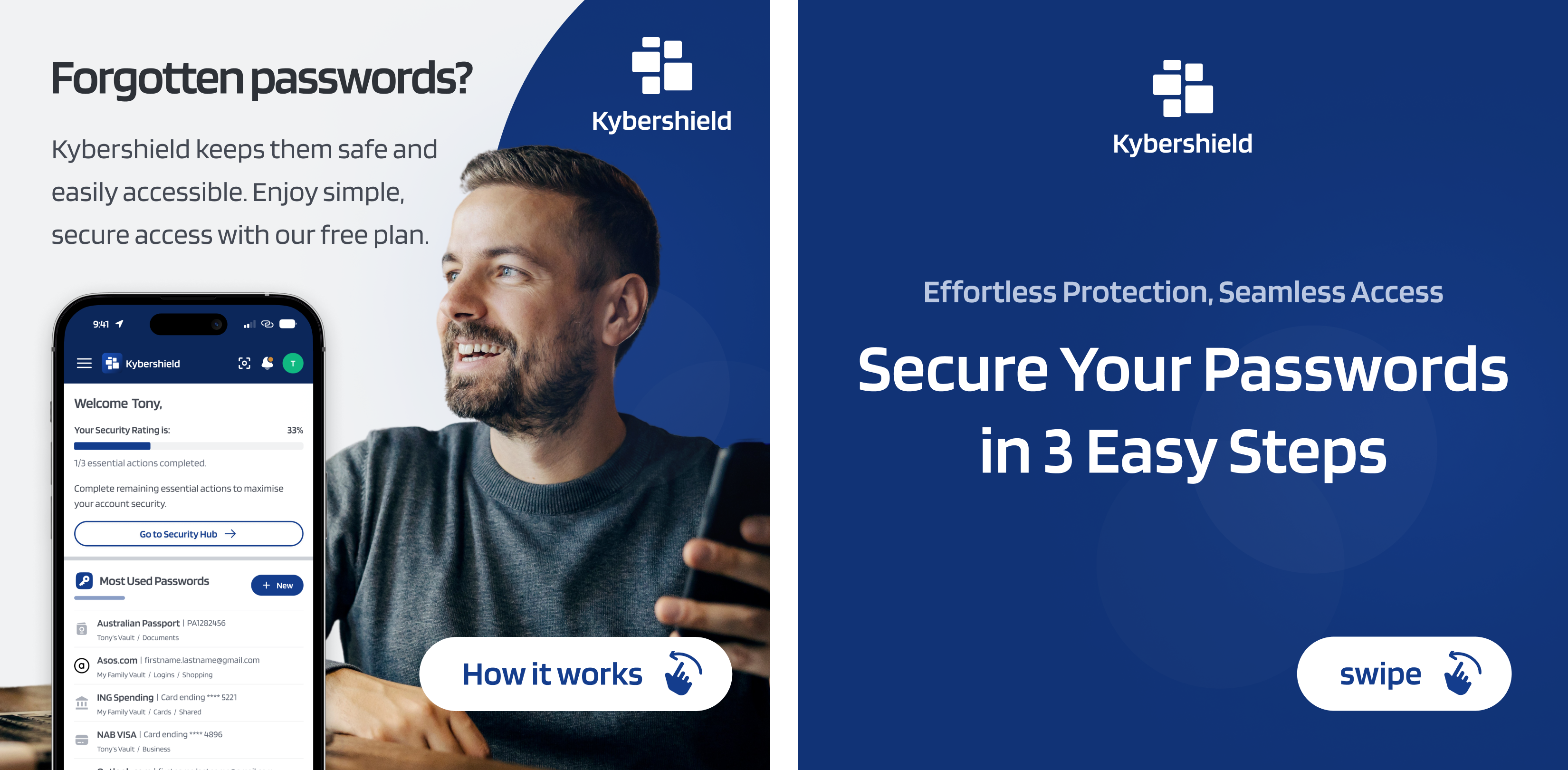
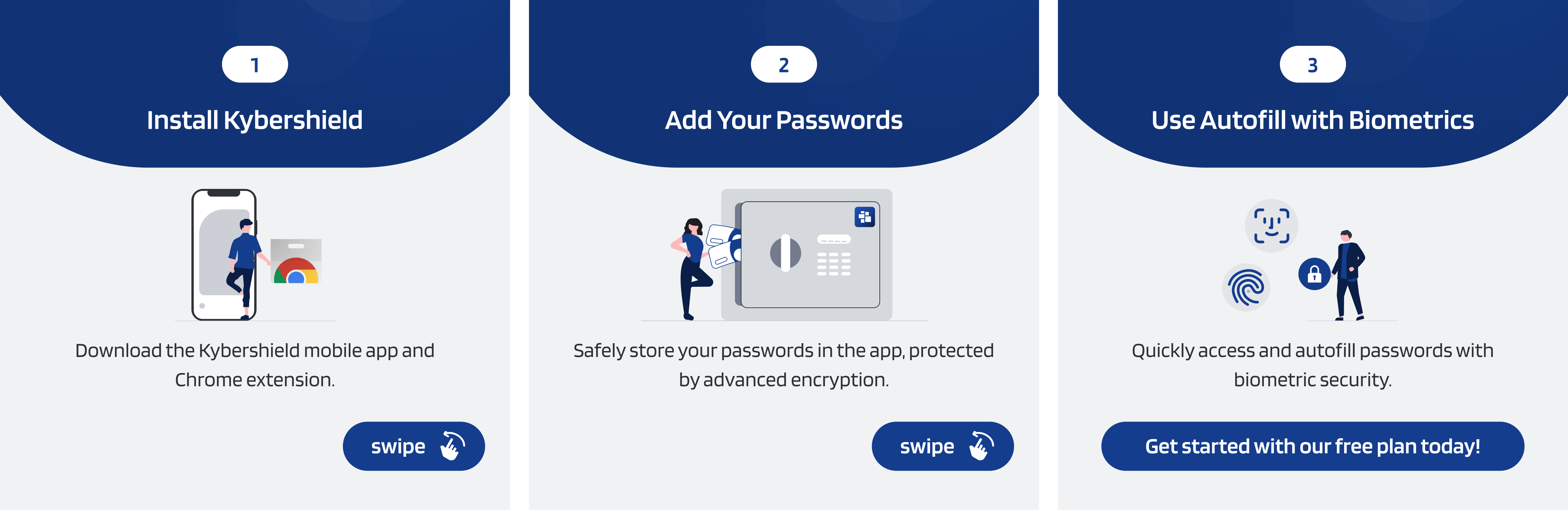
Bonus: Marketing Graphics